
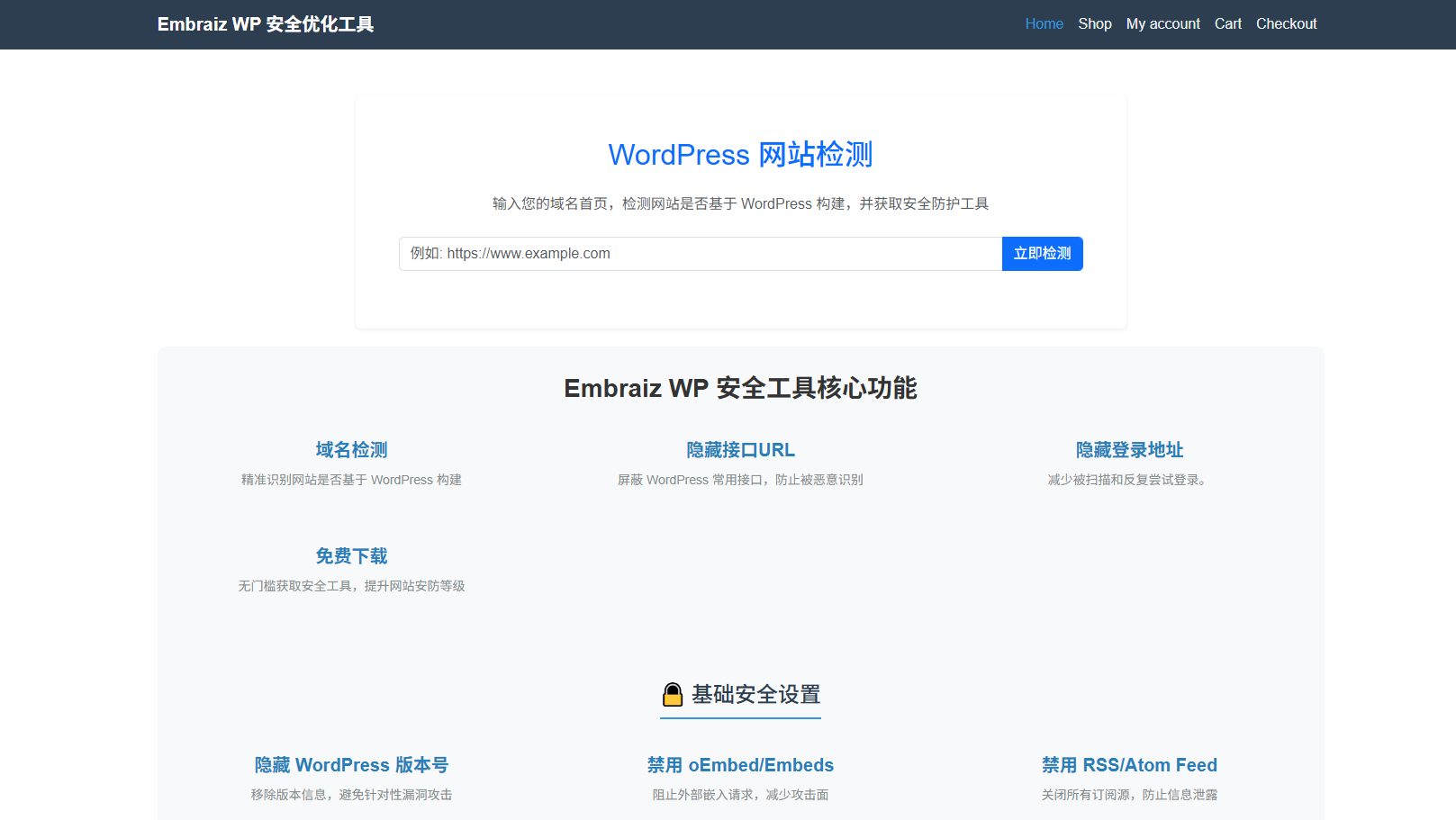
The risks of WordPress exposing many interfaces by default, which most corporate websites actually do not need.
The Hidden Risks of WordPress Default Open Endpoints: Most Corporate Websites Don’t Need Them
Many businesses launch their WordPress sites using out-of-the-box settings without realizing that WordPress enables REST API, XML-RPC, feeds, Heartbeat API and many other endpoints by default. For corporate brochure sites, brand portals and information sites, most of these public endpoints are unnecessary extras. They widen the attack surface, consume server resources and create data leakage risks.
1. What Endpoints Are Open By Default?
Anonymous visitors can access these paths without login:
/wp-json/REST API, including/wp-json/wp/v2/users, posts, media and taxonomy routes/xmlrpc.phpfor XML-RPC remote procedure calls- RSS / Atom feed routes
- Heartbeat API for backend realtime communication
- Shortlink, RSD and author archive endpoints
These features were built for headless CMS, remote blogging apps and feed readers. A standard corporate website only needs public page rendering and backend editing, with no requirement for public API exposure.
2. Four Main Drawbacks of Unused Public Endpoints
Security: Larger Attack Surface, Username Enumeration & Brute Force
The /wp-json/wp/v2/users endpoint exposes backend usernames and user IDs to anyone. Attackers harvest these usernames and launch targeted password brute force attacks. XML-RPC with system.multicall allows hundreds of login attempts within a single request, making it a favourite attack vector for bots.
Plugins often register extra REST routes. Undisclosed plugin vulnerabilities on public APIs lead to unauthenticated access risks.
Performance: Higher CPU, Database and Bandwidth Usage
Scanners and crawlers repeatedly hit /wp-json/ and xmlrpc.php. Each request boots WordPress core, triggers PHP and queries the database. On low-spec VPS or shared hosting, constant API probing causes slow page loads and database pressure. Pingback can also be abused for DDoS amplification attacks.
Uncontrolled Content Scraping & Information Exposure
REST APIs make bulk content scraping much easier for bots. Draft posts, private media files and internal metadata may be discoverable through media endpoints.
Noise in Logs & Monitoring
Scanner floods create thousands of irrelevant 4xx / 5xx log entries, masking real visitor errors and breaking your 404 monitoring and alert workflows.
3. Which Sites Actually Need Public APIs?
✅ Keep public REST API: Headless frontend, mobile app / mini-program integration, WooCommerce order sync, third-party publishing tools.
✅ Restrict anonymous access: Standard corporate sites, brand landing pages, multilingual brochure sites.
Important: The Gutenberg block editor requires REST API for logged-in admins. Best practice is to block anonymous access only, while keeping API functional for authenticated backend users, instead of fully disabling /wp-json/.
4. Hardening Options for Business Sites
Option 1: Nginx-level rules (Recommended)
Block anonymous access to xmlrpc.php and user enumeration routes at server level. This avoids PHP overhead and is ideal for Plesk hosting environments.
Option 2: .htaccess rules for Apache
Deny xmlrpc.php and unused feed access on Apache hosts.
Option 3: Whitelist-based plugins
Tools like REST Lock and Ago Cleanup use allowlist mode: only approved routes stay accessible, all other routes are blocked. Safer than simple “disable all” toggles.
5. Common Pitfalls To Avoid
- Do not block
/wp-json/globally: it breaks Gutenberg, SEO plugins and multilingual plugins such as WPML; - Block anonymous access, preserve API for logged administrators;
- Add Cloudflare WAF rate limiting for repeated scanner IPs;
- Validate after changes with curl: anonymous requests should return 401/403, backend editor works normally.
Conclusion
WordPress’s default open endpoints are designed for maximum compatibility, not security. For corporate sites, follow the principle of least privilege: hide any public endpoint you do not actively use. Reducing attack surface, cutting server load and limiting scrapers is a low-cost, high-impact WordPress hardening step.